
Choose an Instagram trigger
Build automations for post and reel comments, inbound DMs, story replies, live comments, or shared posts.
Turn engagement into a next step
When someone asks for a link, you can let an automation respond. Choose a trigger, write the message, and send people to a product, store, lead form, or another destination.
Explore the product at your pace. You choose what to publish or activate.
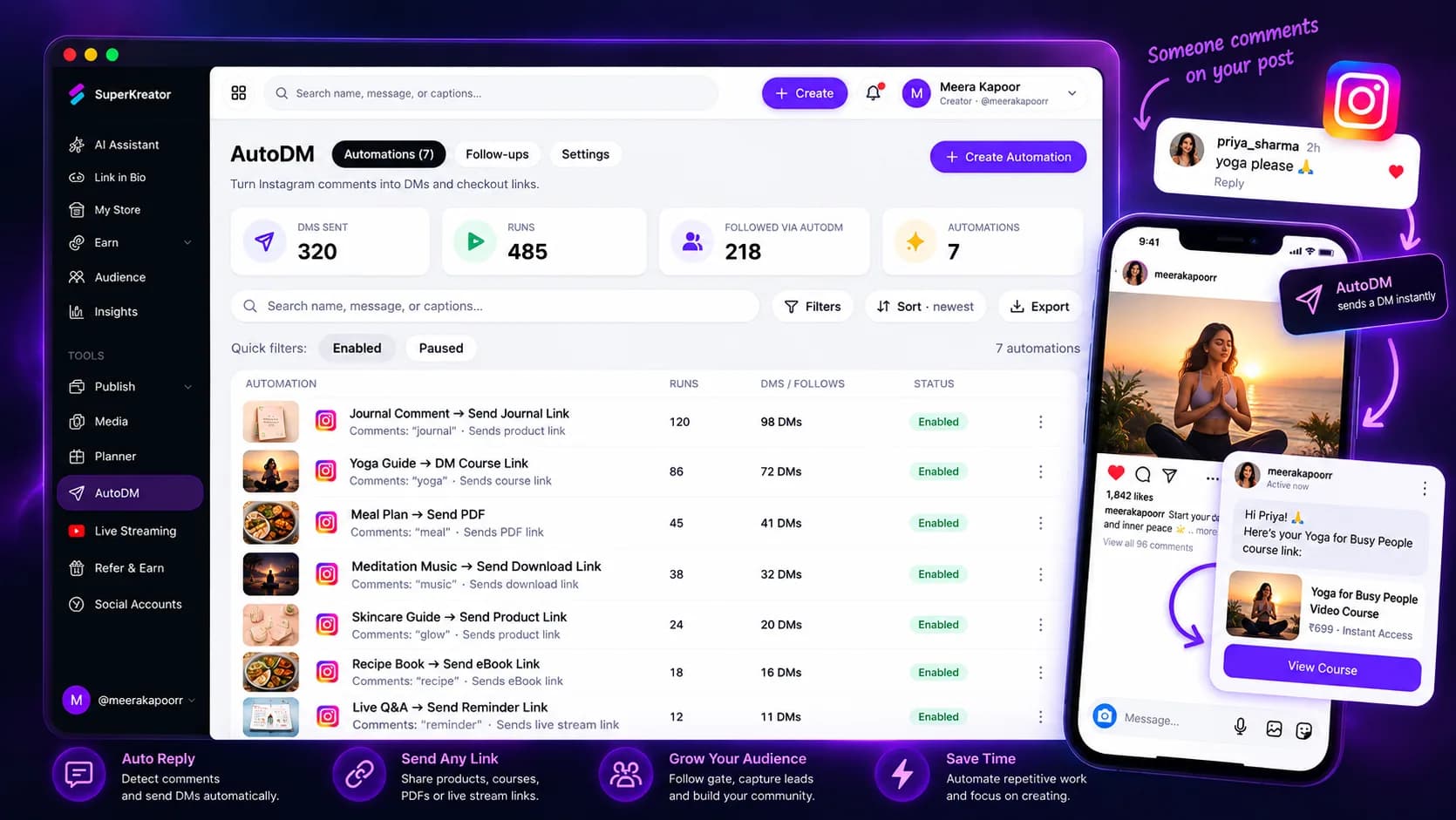
What you can do
Build automations for post and reel comments, inbound DMs, story replies, live comments, or shared posts.
Send a direct message and, for comment flows, optionally add a public reply.
Send people to a product, your store, a lead magnet form, or a custom URL.
How it works
Each step stays in your control, from setup through sharing.
Authorize the account through Instagram’s official connection flow.
Choose the content or interaction that starts the flow, then edit the copy and destination.
Test your setup, activate it, and monitor its status and activity in AutoDM.
Know what the feature does, what it connects to, and what stays in your hands.
Questions creators ask
Instagram messaging automation requires an eligible professional account, such as a Creator or Business account.
Yes. Select an active Lead Magnet form as the automation destination.
Yes. You can edit the trigger, message, and destination in the automation setup before activating it.