
Sell different kinds of offers
List digital downloads, courses, templates, and bookable services in one catalog.
A storefront for your offers
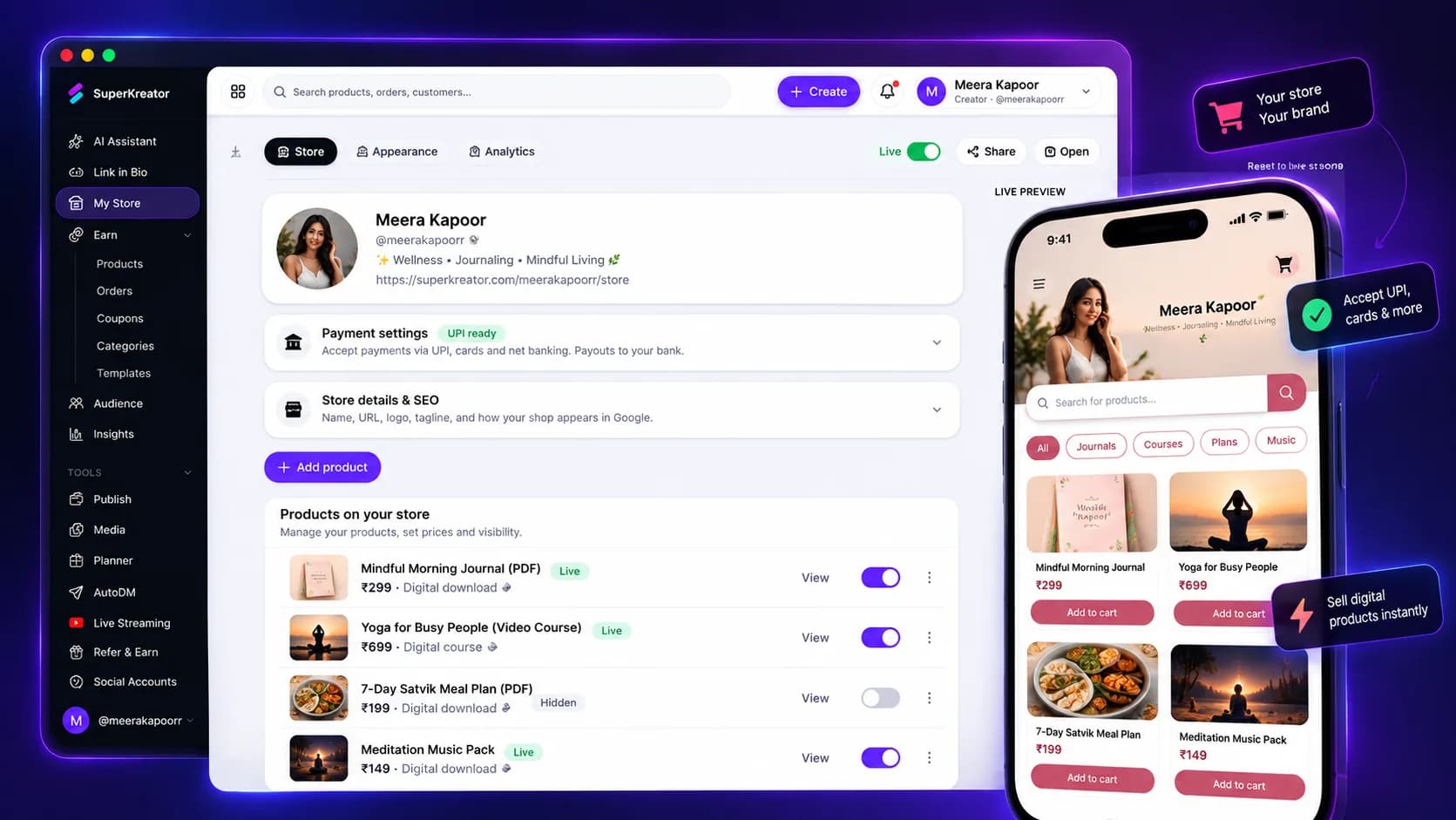
Put your offers on a storefront that matches your brand. Share one product or your full shop, and let buyers check out with familiar payment options.
Explore the product at your pace. You choose what to publish or activate.
What you can do
List digital downloads, courses, templates, and bookable services in one catalog.
Buyers can pay through Cashfree using UPI, cards, and net banking.
Digital products can be made available to buyers after payment is confirmed.
How it works
Each step stays in your control, from setup through sharing.
Create a product or service with a title, description, price, and relevant delivery details.
Choose the products to show and customize the store appearance.
Add the store to your bio or share a direct product link with your audience.
Know what the feature does, what it connects to, and what stays in your hands.
Questions creators ask
You can list supported digital products, courses, files, templates, and services.
Cashfree checkout supports payment options including UPI, cards, and net banking, depending on buyer eligibility.
Digital delivery becomes available after the payment is verified.