
Choose the fields
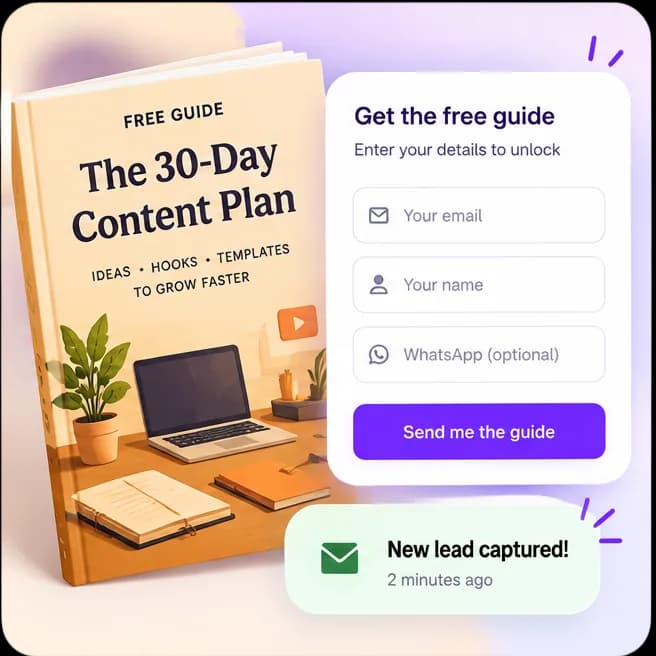
Collect the information you need with email, name, phone, message, social, website, and custom fields.
Collect interested leads
Offer a guide, checklist, sample, or other useful resource in exchange for contact details. Each form gets its own shareable link, lead list, and collection count.
Explore the product at your pace. You choose what to publish or activate.
What you can do
Collect the information you need with email, name, phone, message, social, website, and custom fields.
Write a success message and optionally add a button destination after submission.
Open submissions for each form and download the lead data as a CSV file.
How it works
Each step stays in your control, from setup through sharing.
Choose the fields and required settings that fit the resource you are offering.
Add a clear form title, a success message, and an optional destination button.
Copy its unique link or use it as an AutoDM destination, then review the leads it collects.
Know what the feature does, what it connects to, and what stays in your hands.
Questions creators ask
Forms support email, name, phone, message, Instagram, website, and custom fields.
Yes. Choose an active form as the destination for an AutoDM button.
Yes. Export the form’s lead list as a CSV file from its submissions page.