
Learn · Guides
How to run 24/7 YouTube LIVE in India without OBS
Temple streams, overnight news, and music loops need a desk that does not go dark. Here is the practical India path without babysitting OBS.
Last updated September 20, 2026 · 7 min read · Edited by SuperKreator editorial (Graphity Technology Private Limited)
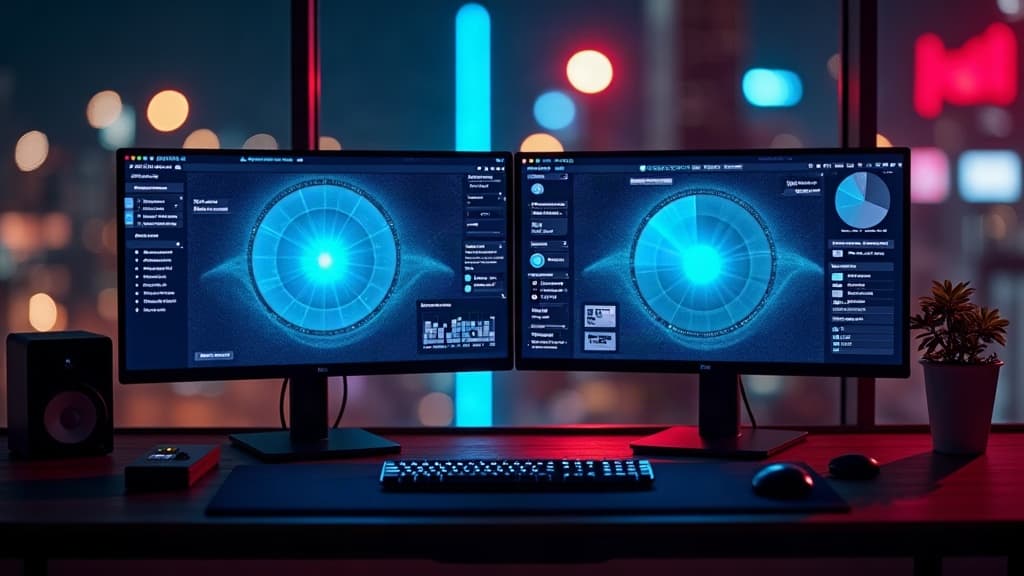
Always-on YouTube is common for bhajan channels, regional news desks, and sports highlight loops. The hard part is not “press Go Live once” — it is keeping RTMP healthy for hours while the laptop sleeps.
This guide covers what YouTube expects, why cloud playout beats a home PC, and how a playlist differs from looping one MP4.
What YouTube requires for continuous LIVE
You need live streaming enabled on the channel (usually after verifying phone / meeting YouTube’s LIVE eligibility). Streams must stay within community guidelines — copyrighted music beds and misleading thumbnails still get you flagged even at 3 a.m.
Technically, ingest wants H.264 video + AAC audio, steady keyframes, and a bitrate YouTube will accept for your resolution. Poor encodes show as “encoder disconnected” or “poor” health in YouTube Studio.
OBS on a PC vs cloud playout
OBS on a desk works for events. For overnight loops it fails on power cuts, Windows updates, and uplink congestion.
Cloud playout downloads your file(s) to a worker and pushes RTMP from a data-center uplink. You schedule start/end, walk away, and stop from the dashboard when the window ends.
KreatorLive is built for that second path — INR plans and UPI when you leave Free.
Single loop vs playlist
Single video — one file, ffmpeg loops it forever until the slot ends.
Playlist — ordered LIVE library items play 1→N, then repeat. Useful for bhajan sets, news digests, or highlight blocks. Free plans allow a short list; paid plans go higher (up to ~10 on Pro).
You can add, remove, or reorder while on air. The encoder restarts briefly; YouTube keeps the same watch URL.
India pricing shape
Expect a Free tier with monthly hours, then Starter / Pro for always-on seats, plus optional extra concurrent streams and hour/day packs for festivals. Prefer tools that bill in INR with UPI — dollar SaaS plus card friction kills temple and regional desks.
SuperKreator
Bio, UPI store, and the rest of the workspace — free to start.
India-first ladder on the homepage: Creator ₹99/month (₹9 first month, highlighted), Free ₹0, Live ₹499/month, Business custom. GST extra. Cashfree processor fees apply on sales. SuperKreator does not currently publish a platform seller-fee percentage.
Related
Guides
Bhajan & temple YouTube: playlists that loop overnight
A single MP4 loop is fine for one aarti. Overnight seva needs an ordered playlist fans can leave on while they sleep.
Updated 2026-09-20 · 6 min
Guides
The India creator stack: bio, store, AutoDM, calendar — and when one vendor is enough
Most Indian creators do not need five subscriptions. They need a clear job for each tool — and permission to delete the rest.
Updated 2026-09-10 · 9 min
Guides
Best Linktree alternatives in 2026 (especially if you sell in India)
Linktree is still the default bio link. Here is when to keep it, and which alternatives actually replace the job you are hiring for.
Updated 2026-09-15 · 10 min
Docs
Getting started with SuperKreator
Sign in with Google, claim a name, publish a page, add a product, and take a test payment. That is the whole first hour.
Updated 2026-09-15 · 6 min