
Blog · Articles
24/7 YouTube LIVE without leaving a laptop on
Upload the video, schedule the window, and let the channel stay live without OBS on a PC that has to stay awake.
Last updated October 6, 2026 · 6 min read · Edited by SuperKreator editorial (Graphity Technology Private Limited)
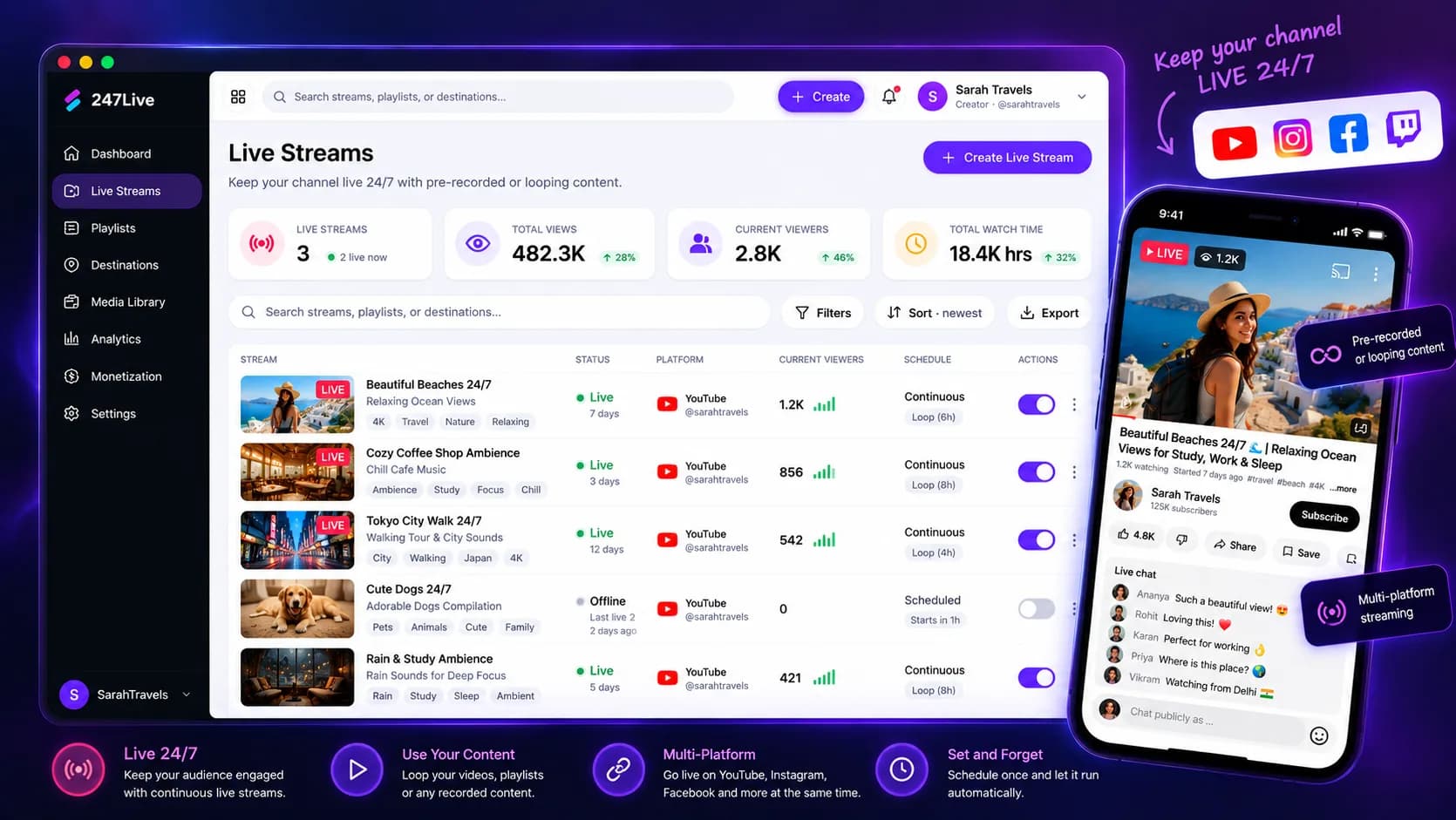
LIVE 24/7 turns uploaded video into a YouTube stream that keeps running. Temples, regional desks, and music loops use it when the channel should stay on after the laptop sleeps.
SuperKreator plays the video from the cloud. You are not nursing an OBS session on a PC in the corner. The practical setup is in the 24/7 YouTube guide.
How 24/7 LIVE works
Enable live streaming on the YouTube channel. Upload video that YouTube can play, typically H.264 video and AAC audio. Schedule the window in the Live dashboard.
Cloud playout sends the stream. When the window ends, the channel is not depending on a browser tab you left open.
A playlist of chapters is easier to update than one file you have to re-export every time a bhajan or a bulletin changes. The bhajan playlist guide walks through that case.
What LIVE is for
LIVE is for an ongoing YouTube broadcast made from video you already have. It is not a webcam show, and it is not the planner. Scheduled posts and an always-on stream are different jobs.
The Live plan is the one that includes 24/7 YouTube LIVE. Homepage pricing starts that plan at ₹99 for the first month, then ₹499 a month. GST is extra.
YouTube still has to allow live streaming on the channel. SuperKreator cannot switch that on for you.
Why move playout off the desk
A home PC drops the stream when it sleeps, updates, or loses the network. Cloud playout is the piece that stays up.
The same login can still sell. A live channel and a UPI store do not require two companies.
You edit the playlist instead of re-encoding a 12-hour file every week.
Cloud LIVE compared with OBS
OBS on a dedicated computer is the classic way to hold a YouTube stream. It works if someone can watch the machine and the uplink.
It fails the job when the channel must stay up overnight and nobody is at the desk. That is the case for a lot of bhajan and bulletin channels in India.
SuperKreator does not replace YouTube's own live rules. It replaces the PC that had to stay awake. Read the guide before you promise 24 hours on day one.
Conclusion
Frequently asked questions
Do I need OBS for 24/7 YouTube LIVE?+
No. SuperKreator plays uploaded video from the cloud. You still enable live streaming on the YouTube channel.
Which plan includes 24/7 LIVE?+
The Live plan. It starts at ₹99 for the first month, then ₹499 a month. GST is extra.
Should I upload one long file or a playlist?+
Prefer a short playlist when the content has chapters. One endless file is harder to update.
Is LIVE the same as scheduling a YouTube video?+
No. Auto publish sends a video post. LIVE keeps a stream playing from uploaded video.
SuperKreator
Bio, UPI store, and the rest of the workspace — free to start.
India-first ladder on the homepage: Creator ₹99/month (₹9 first month, highlighted), Free ₹0, Live ₹499/month (₹99 first month), Business custom. GST extra. Cashfree processor fees apply on sales. SuperKreator does not currently publish a platform seller-fee percentage.
Related
Articles
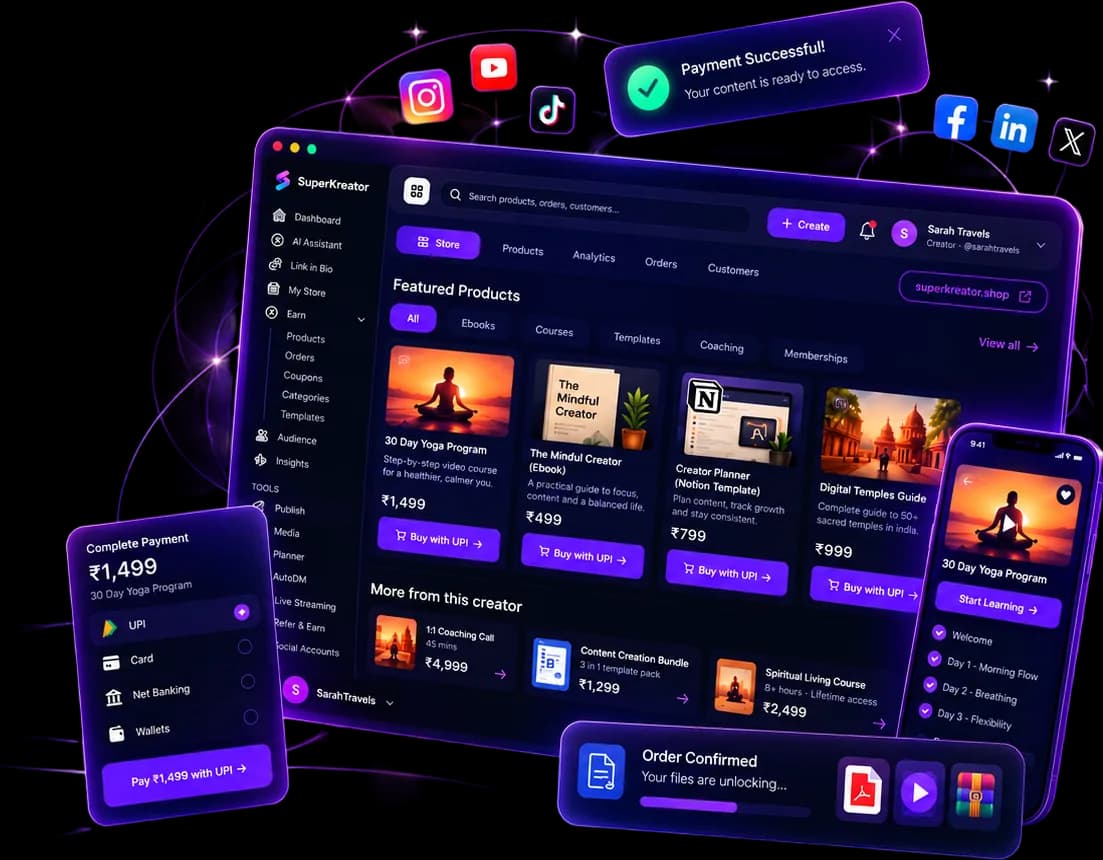
What you can run from one SuperKreator login
Eight products, one workspace. Start with the link. Add the shop, the DM, and the stream when that is where the sale happens.
Updated 2026-10-06 · 6 min
Guides
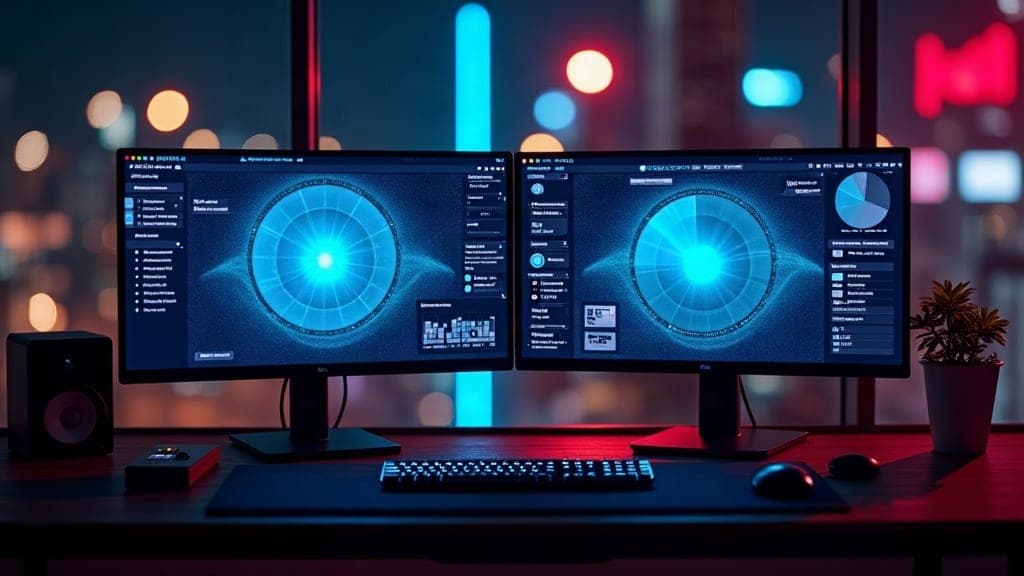
How to run 24/7 YouTube LIVE in India without OBS
Temple streams, overnight news, and music loops need a desk that does not go dark. Here is the practical India path without babysitting OBS.
Updated 2026-09-20 · 7 min

Guides
Bhajan & temple YouTube: playlists that loop overnight
A single MP4 loop is fine for one aarti. Overnight seva needs an ordered playlist fans can leave on while they sleep.
Updated 2026-09-20 · 6 min
Articles
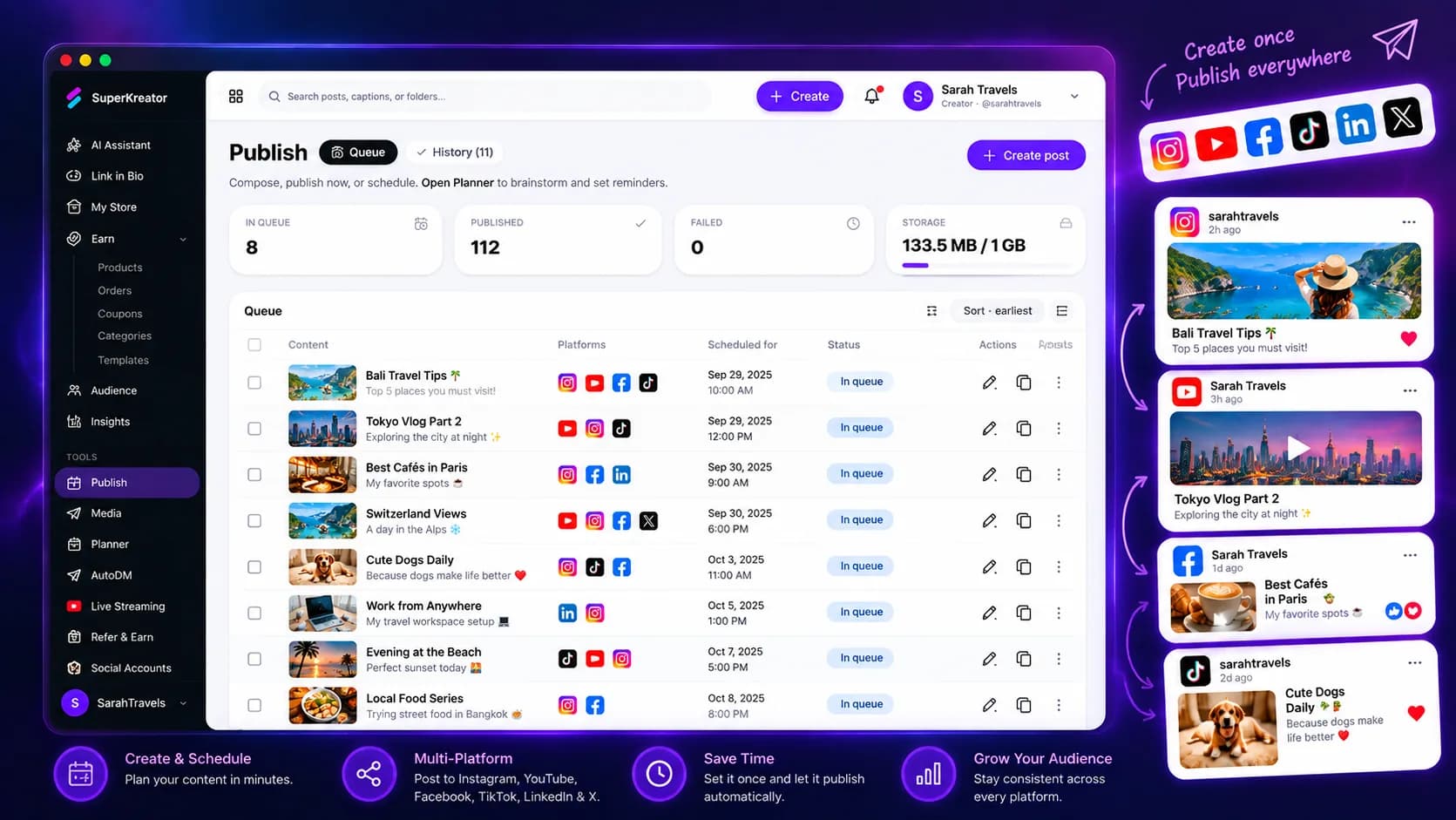
Auto publish for Instagram and YouTube
The calendar decides when. Auto publish is the send to Instagram and YouTube.
Updated 2026-10-06 · 6 min