
Blog · Articles
Auto publish for Instagram and YouTube
The calendar decides when. Auto publish is the send to Instagram and YouTube.
Last updated October 6, 2026 · 6 min read · Edited by SuperKreator editorial (Graphity Technology Private Limited)
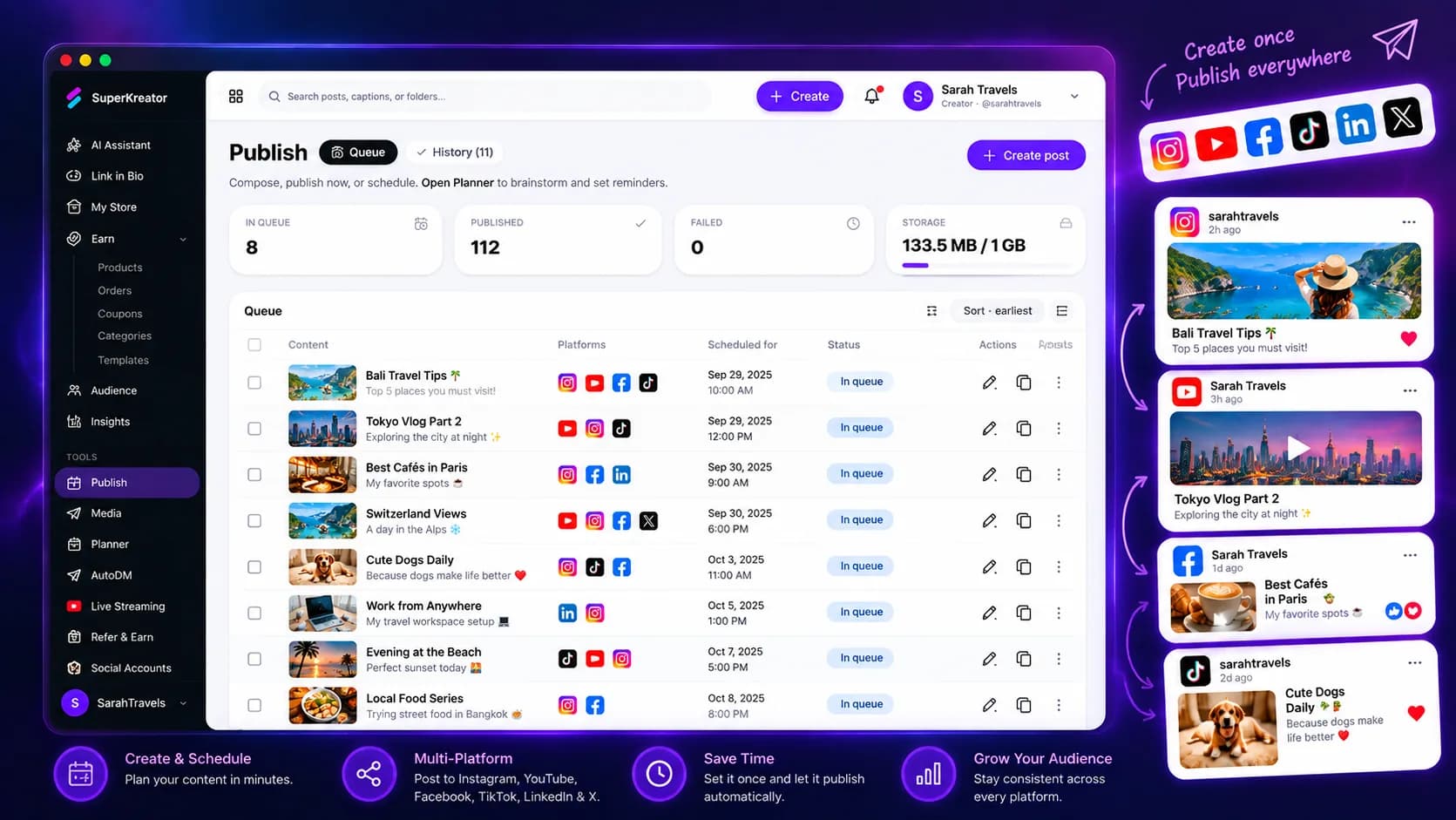
Auto publish sends a scheduled post to Instagram or YouTube. You connect the account, put the media and caption in the queue, and SuperKreator publishes at the time you set.
The planner is where you see the week. Auto publish is the part that actually posts.
How auto publish works
Connect Instagram, YouTube, or both under social accounts. Create the post with a caption and the right media. YouTube needs a video. Instagram publishing uses the connected professional account and the content-publishing permission.
Set the time. The queue marks the post scheduled, then publishing, then published. If the platform rejects it, the status is failed and the error is on that item.
You can still edit a caption when the post has not locked. Once it is publishing, wait for the result instead of firing a second copy.
Which networks auto publish supports
Publishing is implemented for Instagram and YouTube. TikTok, Facebook, LinkedIn, and X are not publish destinations in the product today, even if a campaign image shows more icons.
Instagram needs the content-publishing permission on the token. If Meta denies the publish, reconnect Instagram after that permission is enabled. YouTube needs a connected channel and a video file.
Auto publish does not reply to the comments on the post you just sent. That is AutoDM.
Why queue the send
You can record and write when you have the time, and still have the post leave at the hour your audience is there.
The queue is in the same login as the store, so the caption can point at a product you actually sell.
Failures stay visible. You are not guessing whether the reel left.
Auto publish compared with Metricool
Metricool schedules and reports across a wider social set, including analytics and ads. Pick it when you need that reporting desk.
Pick SuperKreator auto publish when Instagram and YouTube are the channels, and the post should sit next to a UPI product and an AutoDM. You give up the extra networks. You keep one workspace.
The plan for the week is the planner. This page is only the send.
Conclusion
Connect the account, queue one post, and check that it lands. Open publish, or start for free and connect social accounts first.
Frequently asked questions
Does auto publish post to TikTok?+
No. Auto publish sends to Instagram and YouTube.
Why did an Instagram publish fail?+
The usual cause is a missing content-publishing permission. Disconnect Instagram, reconnect it, and approve content publishing, then queue the post again.
What does YouTube publishing require?+
A connected YouTube account and a video file. A caption alone cannot be published to YouTube.
Can I schedule without connecting a social account?+
You can draft the post. It publishes only after Instagram or YouTube is connected.
SuperKreator
Bio, UPI store, and the rest of the workspace — free to start.
India-first ladder on the homepage: Creator ₹99/month (₹9 first month, highlighted), Free ₹0, Live ₹499/month (₹99 first month), Business custom. GST extra. Cashfree processor fees apply on sales. SuperKreator does not currently publish a platform seller-fee percentage.
Related
Articles
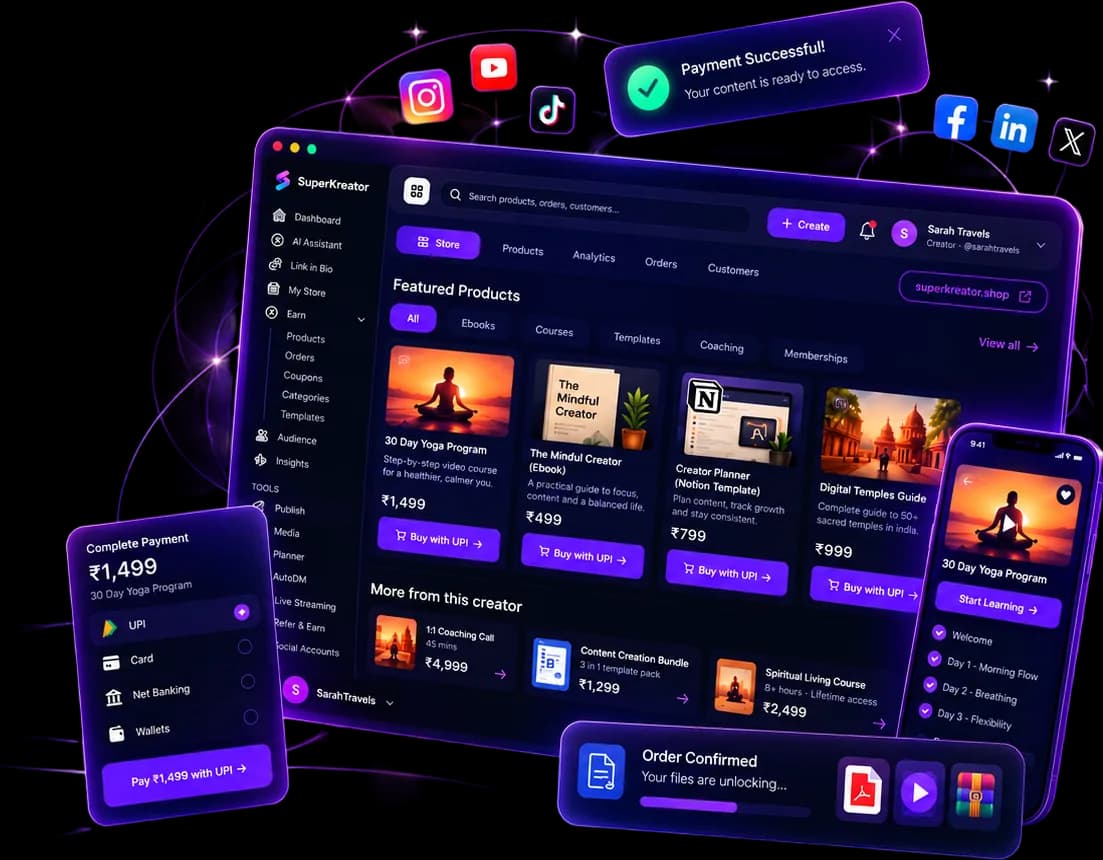
What you can run from one SuperKreator login
Eight products, one workspace. Start with the link. Add the shop, the DM, and the stream when that is where the sale happens.
Updated 2026-10-06 · 6 min
Articles
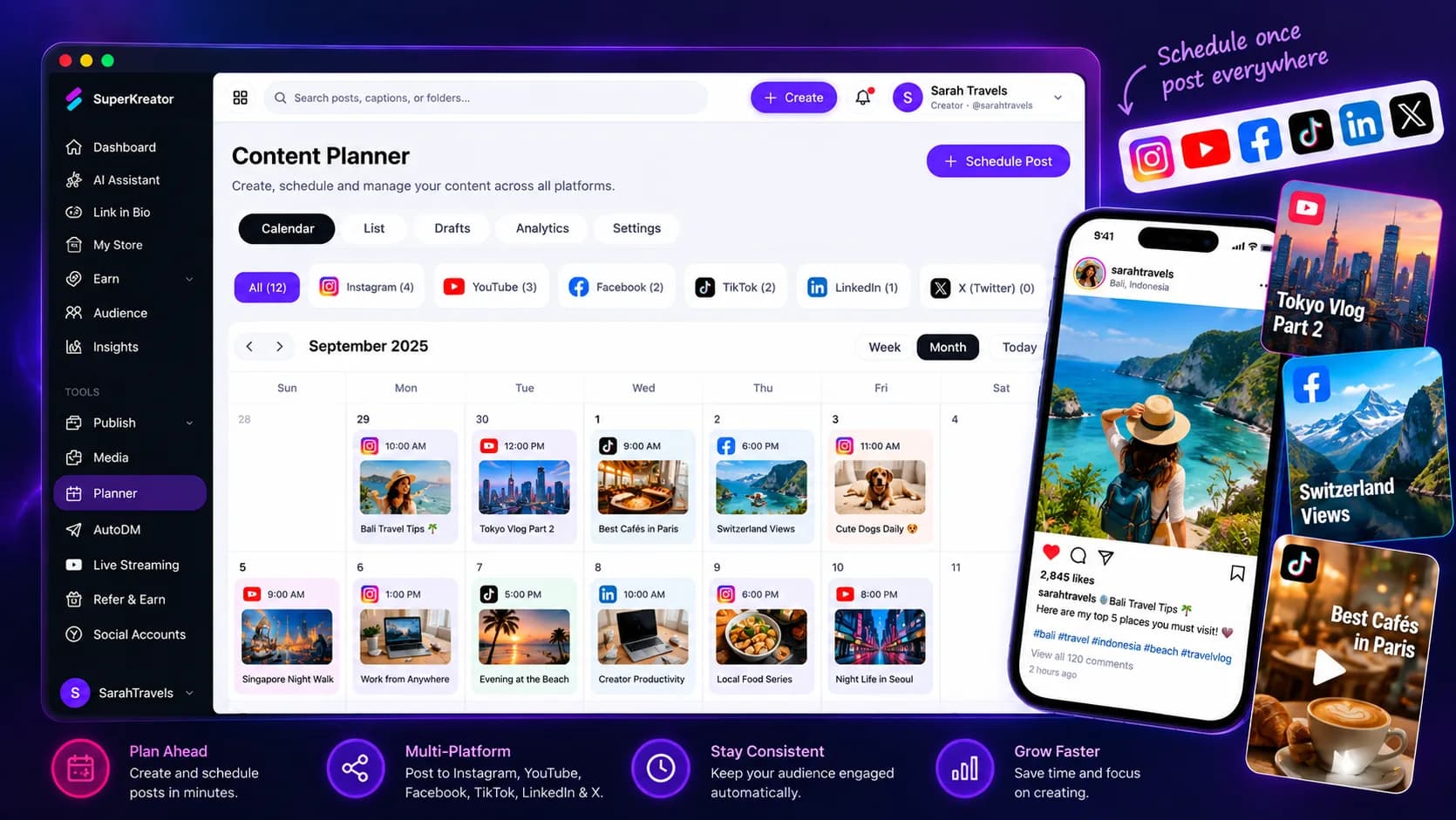
A planner for Instagram and YouTube
Batch the week once. The calendar shows the asset, the day, and whether the post is still waiting to go out.
Updated 2026-10-06 · 5 min
Articles
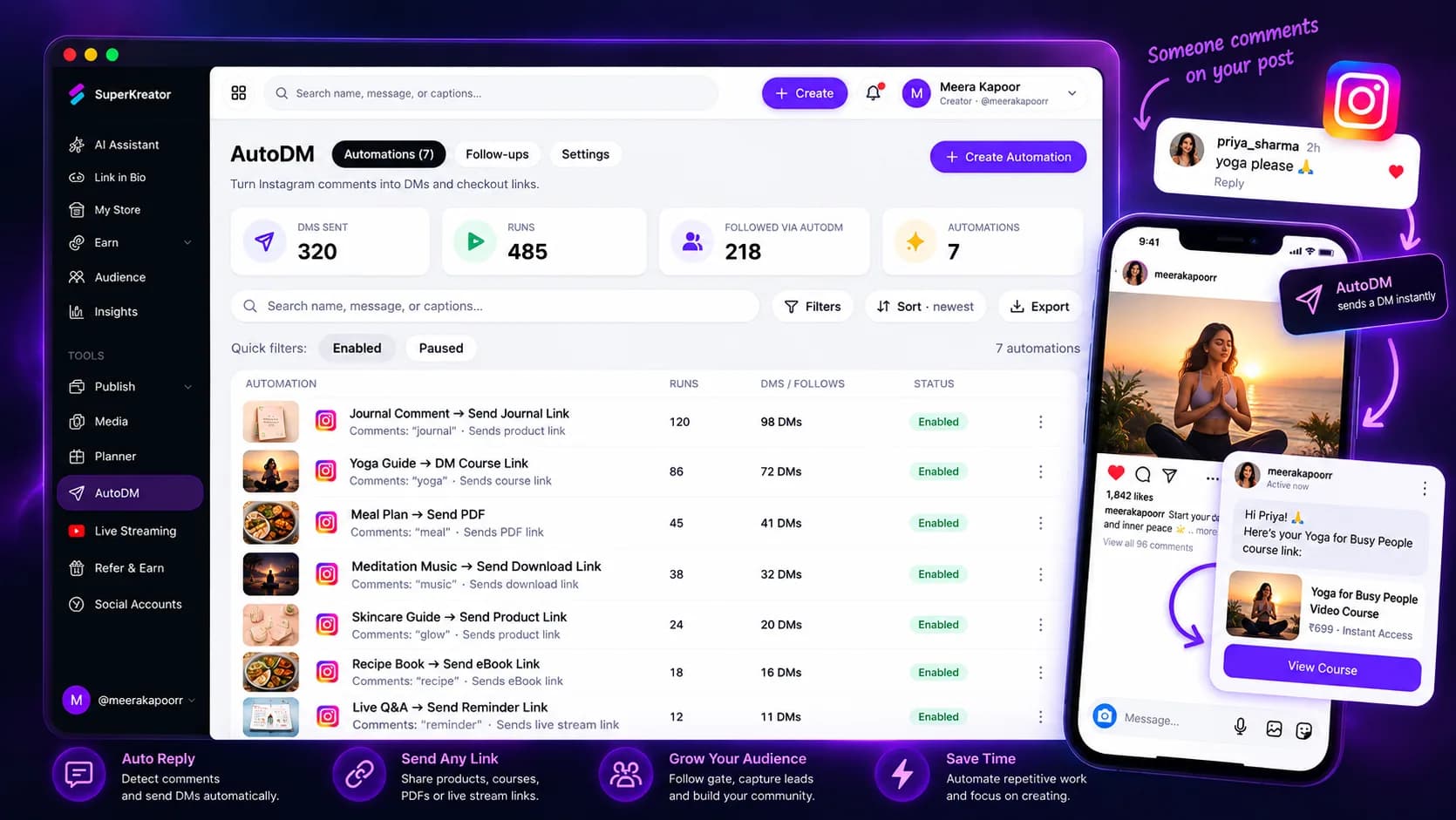
Instagram AutoDM that answers while the reel is live
Someone comments. They get the DM while the post is still moving, with a button into your link or checkout.
Updated 2026-10-06 · 7 min

Competitor guides
Metricool — Social analytics and scheduling for people who already have a store elsewhere
Metricool is a social scheduling, analytics, and competitor-tracking platform organized around “brands.” Creators and agencies use it as a control room for posts — not as a store or an Instagram inbox.
Updated 2026-09-10 · 11 min