
Keep the work visible
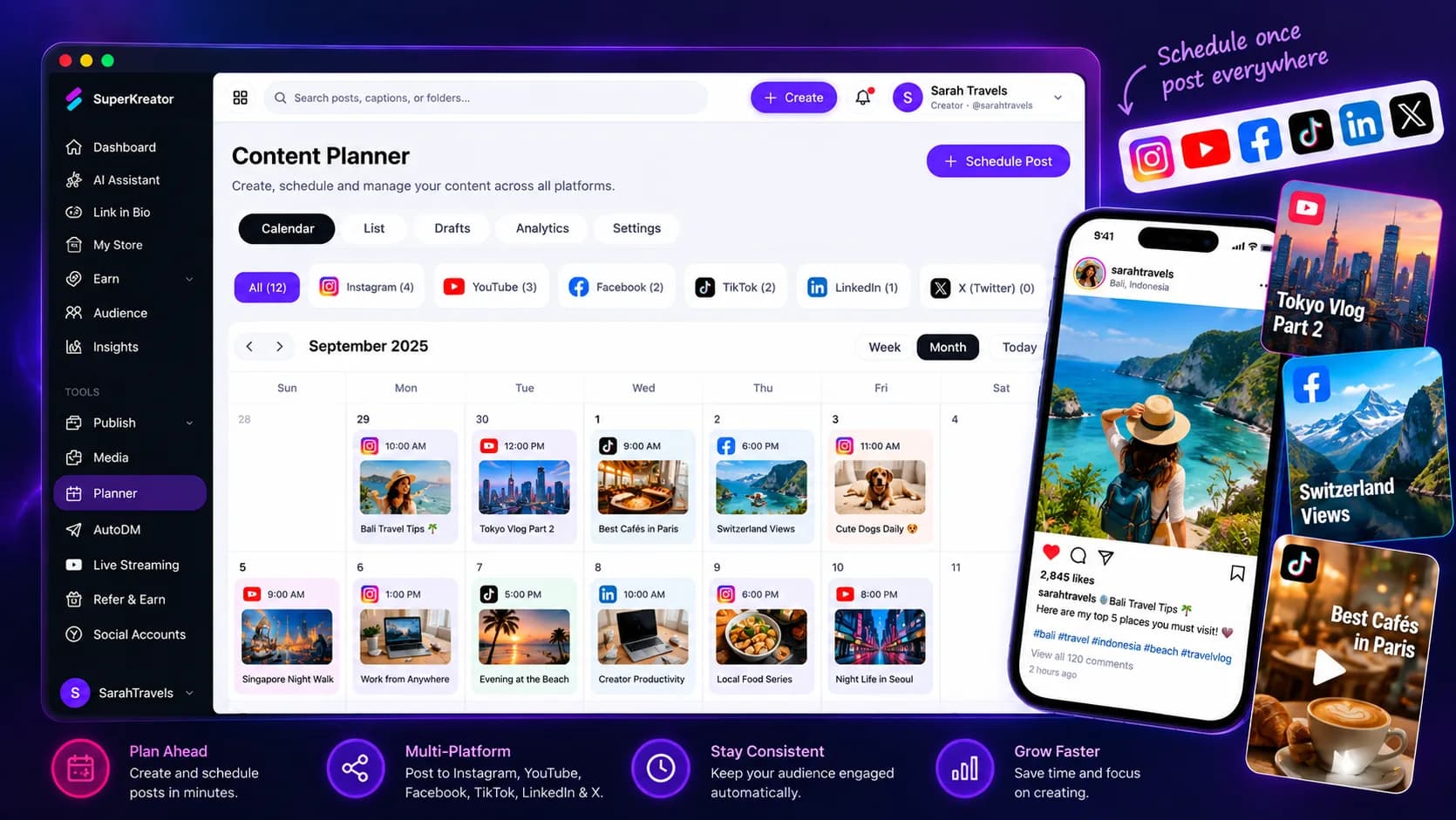
Organize ideas, reminders, events, content, and post slots by date and status.
Plan, schedule, and keep moving
Keep ideas and publishing tasks in one calendar. Turn a planned post into a scheduled publish job, and send dated Planner items to your connected Google Calendar when you choose.
Explore the product at your pace. You choose what to publish or activate.
What you can do
Organize ideas, reminders, events, content, and post slots by date and status.
Use the Planner calendar to open the publishing workflow for a planned post.
Manually sync reminders, events, content, and post slots as calendar events; repeated syncs update existing events.
How it works
Each step stays in your control, from setup through sharing.
Give it a title, notes, and a date when it needs to appear on the calendar.
Choose Schedule post to continue in Publish and select supported media and timing.
Connect Google Calendar once, then sync your dated Planner items when you are ready.
Know what the feature does, what it connects to, and what stays in your hands.
Questions creators ask
Planner helps organize work and hands post slots into Publish. Actual publishing depends on the supported social account and publish setup.
Dated reminders, events, content items, and post slots are added as 30-minute calendar events. Ideas without dates are not synced.
No. The Planner action sends dated Planner items to Google Calendar and updates those events on a later sync. It does not import Google Calendar events into Planner.