
Blog · Articles
A link in bio that holds everything else
Put one URL in Instagram or YouTube. That page lists the links that do not fit in a single website field.
Last updated October 6, 2026 · 6 min read · Edited by SuperKreator editorial (Graphity Technology Private Limited)
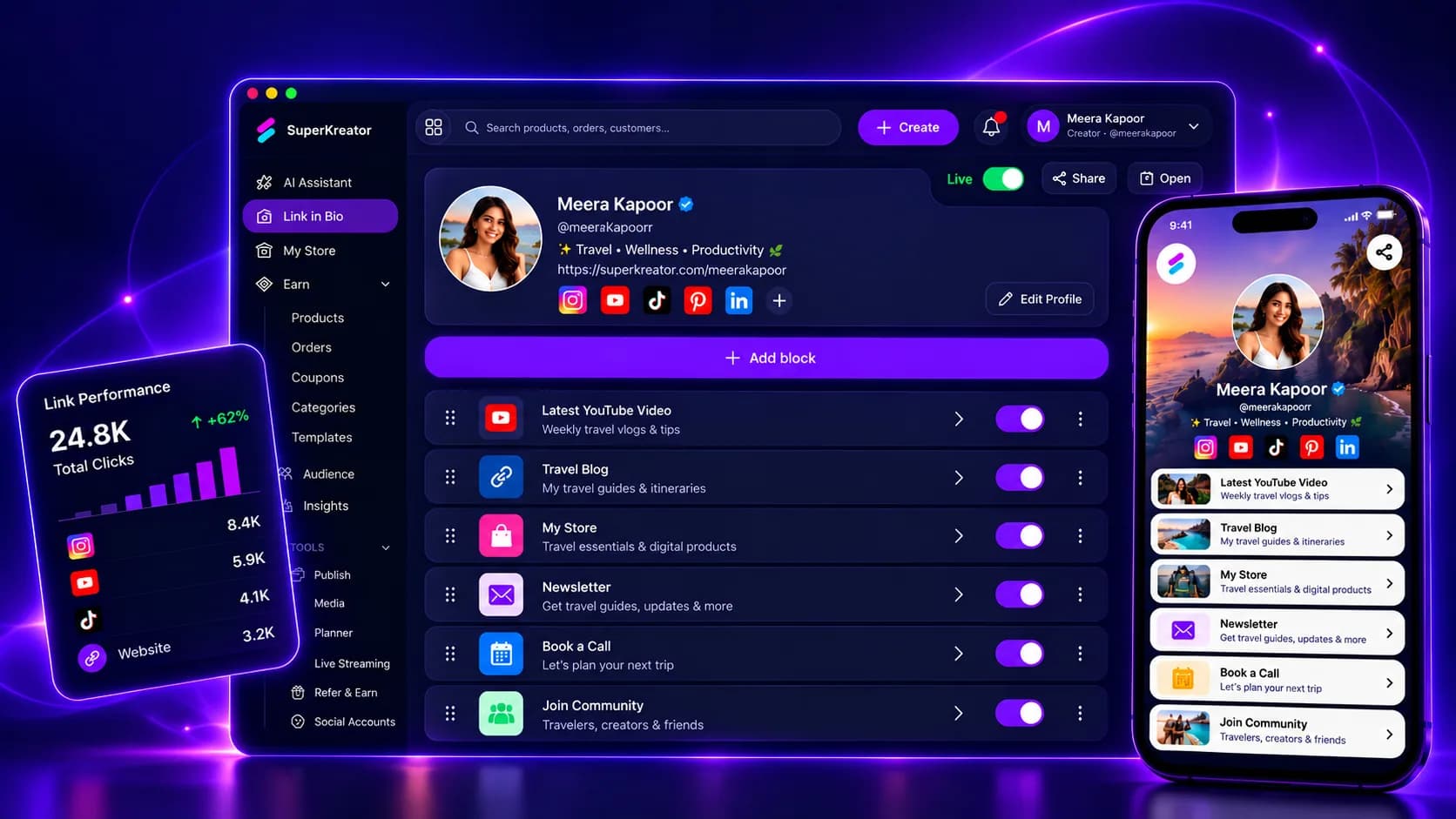
A link in bio is the URL you paste into Instagram, YouTube, or any profile that allows one website. SuperKreator hosts that page at your username so followers can reach your socials, products, and booking links from one place.
The page is the front door. It is not the shop. Checkout for digital products, courses, files, and sessions lives on the store, under the same username.
How a SuperKreator link in bio works
Sign in, claim a username, and the public page is yours. Add the destinations you want people to open: social profiles, a product, a booking link, or anything else with a URL.
Paste that single SuperKreator URL into Instagram or YouTube. Visitors land on your links. Clicks are on your page, not scattered across bios you cannot measure.
When you are ready for your own name in the address bar, point a custom domain at the same page.
What the bio page does and does not do
The bio page lists where to go next. It does not take the payment. A buyer who should pay with UPI, a card, or net banking goes to the store.
It also does not reply to comments. That job is AutoDM. The bio link is what you put in the profile. AutoDM is what you send when someone comments.
Treat it as a directory with a name you control, not as a full website builder or a course player.
Why creators use one bio link
Instagram and YouTube give you one website field. A link page turns that field into a list: YouTube, the shop, a booking, a community.
Everything sits in the same login as the store, AutoDM, and publishing, so you are not paying a separate bio tool just to hold buttons.
You can publish the link page and the store on their own. Run one, the other, or both.
Link in bio compared with Linktree
Linktree is the default hosted list of buttons. Use it when the only job is a trusted router and you already sell somewhere else.
SuperKreator is the better fit when the next step is a rupee shop, an Instagram DM, or a post you schedule from the same account. The bio page stays a link list. The store, AutoDM, and planner are the rest of the workspace, not extra buttons you paste in by hand.
The full matrix against Linktree, SuperProfile, Beacons, and ManyChat is on the compare page.
Conclusion
Claim a username and add the links you want found. Open link in bio when you are signed in, or start for free if you still need the name.
Frequently asked questions
Is the link in bio the same page as the store?+
No. The bio is the link page. The store is the shop on the same username. You can publish either page on its own.
Can I use my own domain on the bio link?+
Yes. Add the domain in settings and point DNS at SuperKreator. Visitors can then open your name instead of the SuperKreator path.
What should I put in the Instagram website field?+
The SuperKreator link page, or your custom domain once DNS is live. Keep the store and other destinations on that page.
Does the bio page accept UPI payments?+
No. UPI, cards, and net banking run on the store checkout through Cashfree. The bio page sends people there.
SuperKreator
Bio, UPI store, and the rest of the workspace — free to start.
India-first ladder on the homepage: Creator ₹99/month (₹9 first month, highlighted), Free ₹0, Live ₹499/month (₹99 first month), Business custom. GST extra. Cashfree processor fees apply on sales. SuperKreator does not currently publish a platform seller-fee percentage.
Related
Articles
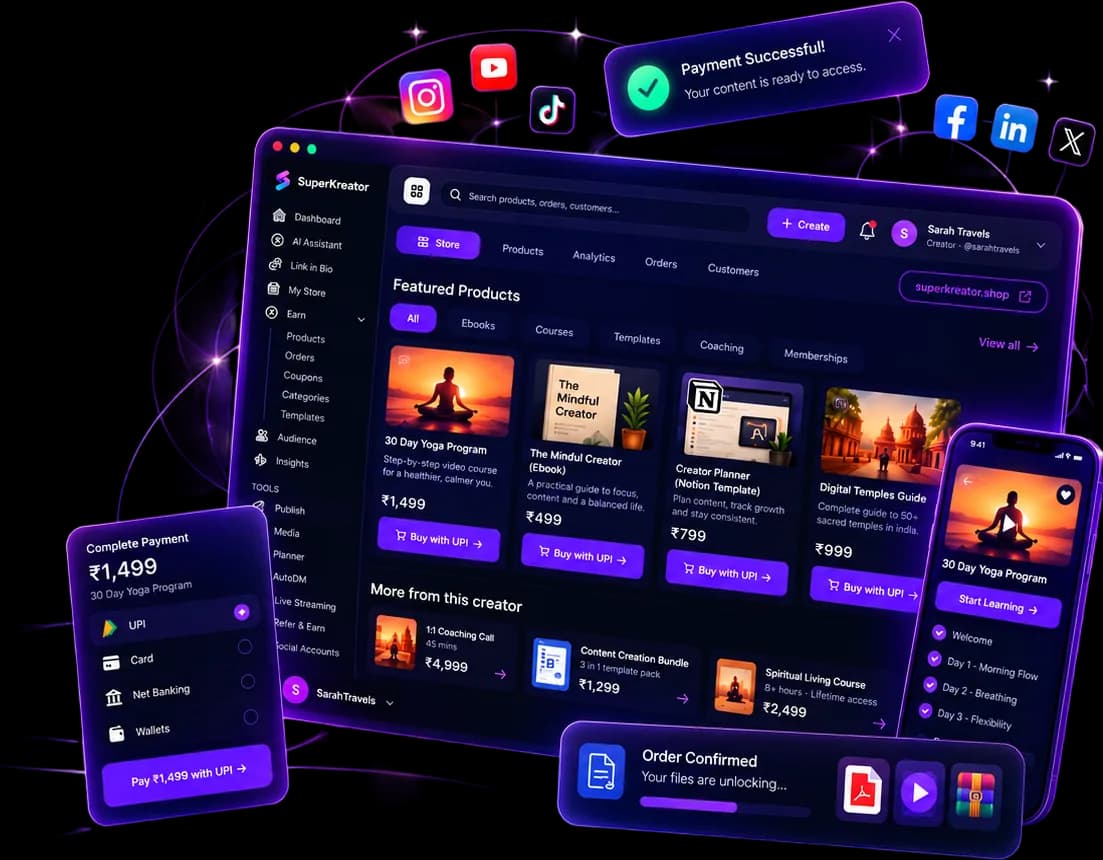
What you can run from one SuperKreator login
Eight products, one workspace. Start with the link. Add the shop, the DM, and the stream when that is where the sale happens.
Updated 2026-10-06 · 6 min
Articles
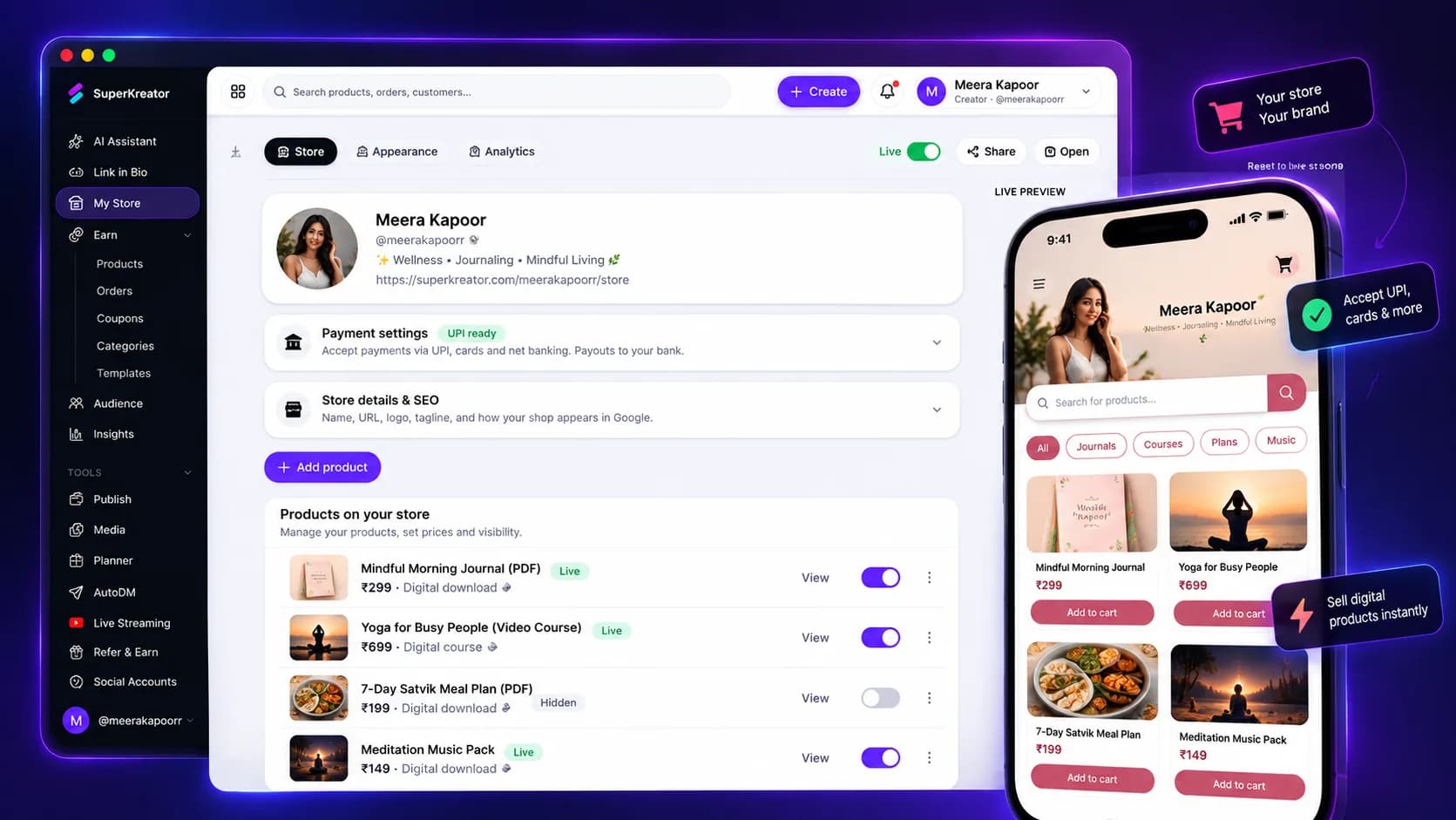
A store that gets paid the way India pays
The shop lives on your username, separate from the bio link. Price in INR and deliver the file after payment.
Updated 2026-10-06 · 6 min
Articles
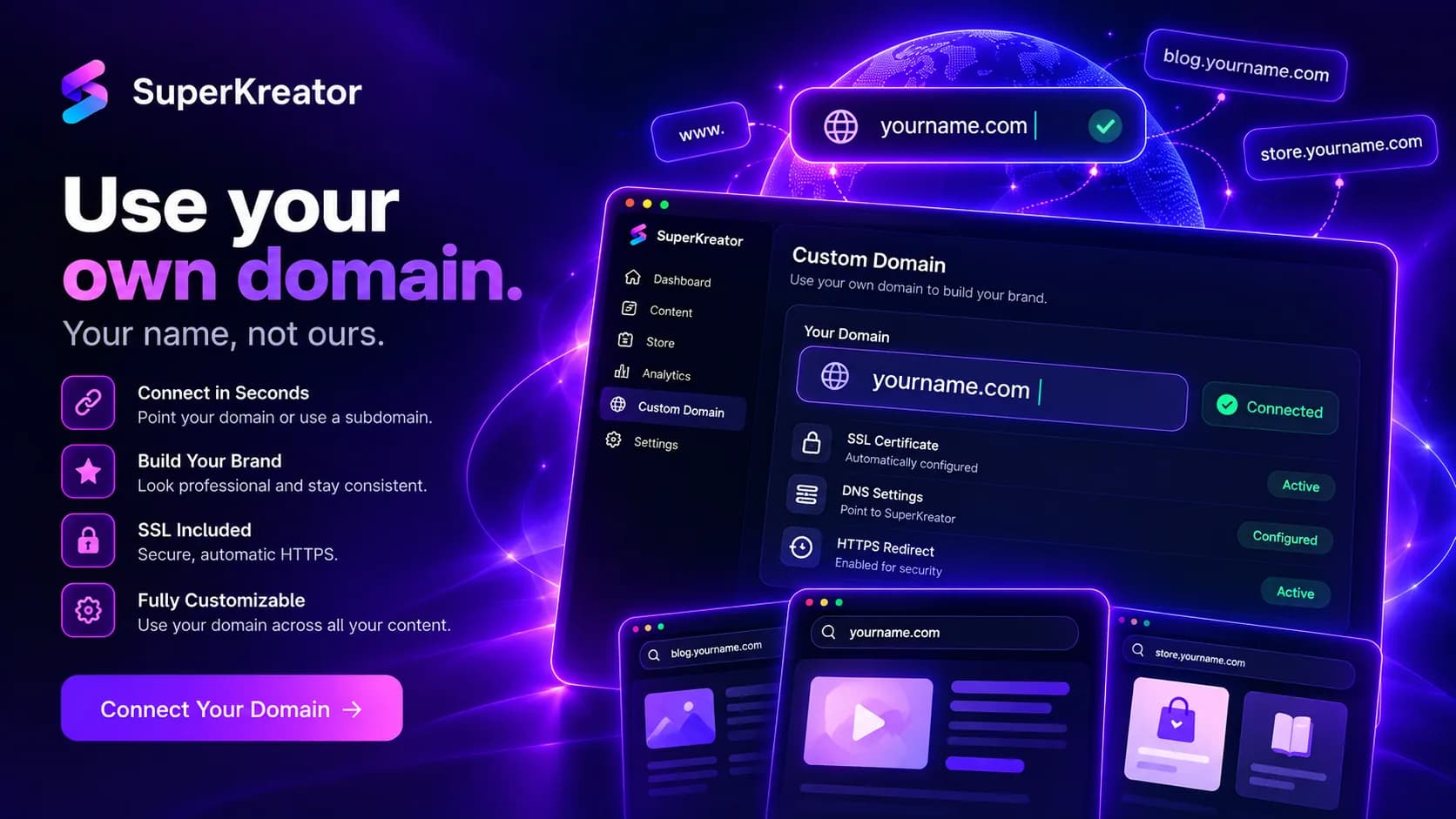
Put your own domain on the creator page
Visitors see your name in the address bar. DNS still has to point at SuperKreator before the padlock appears.
Updated 2026-10-06 · 6 min

Competitor guides
Linktree — How the default bio link works, what it costs, and when to leave it
Linktree is the default public page many creators put in an Instagram, TikTok, or YouTube bio so followers can reach more than one destination from a single URL.
Updated 2026-09-10 · 12 min