
Blog · Articles
Put your own domain on the creator page
Visitors see your name in the address bar. DNS still has to point at SuperKreator before the padlock appears.
Last updated October 6, 2026 · 6 min read · Edited by SuperKreator editorial (Graphity Technology Private Limited)
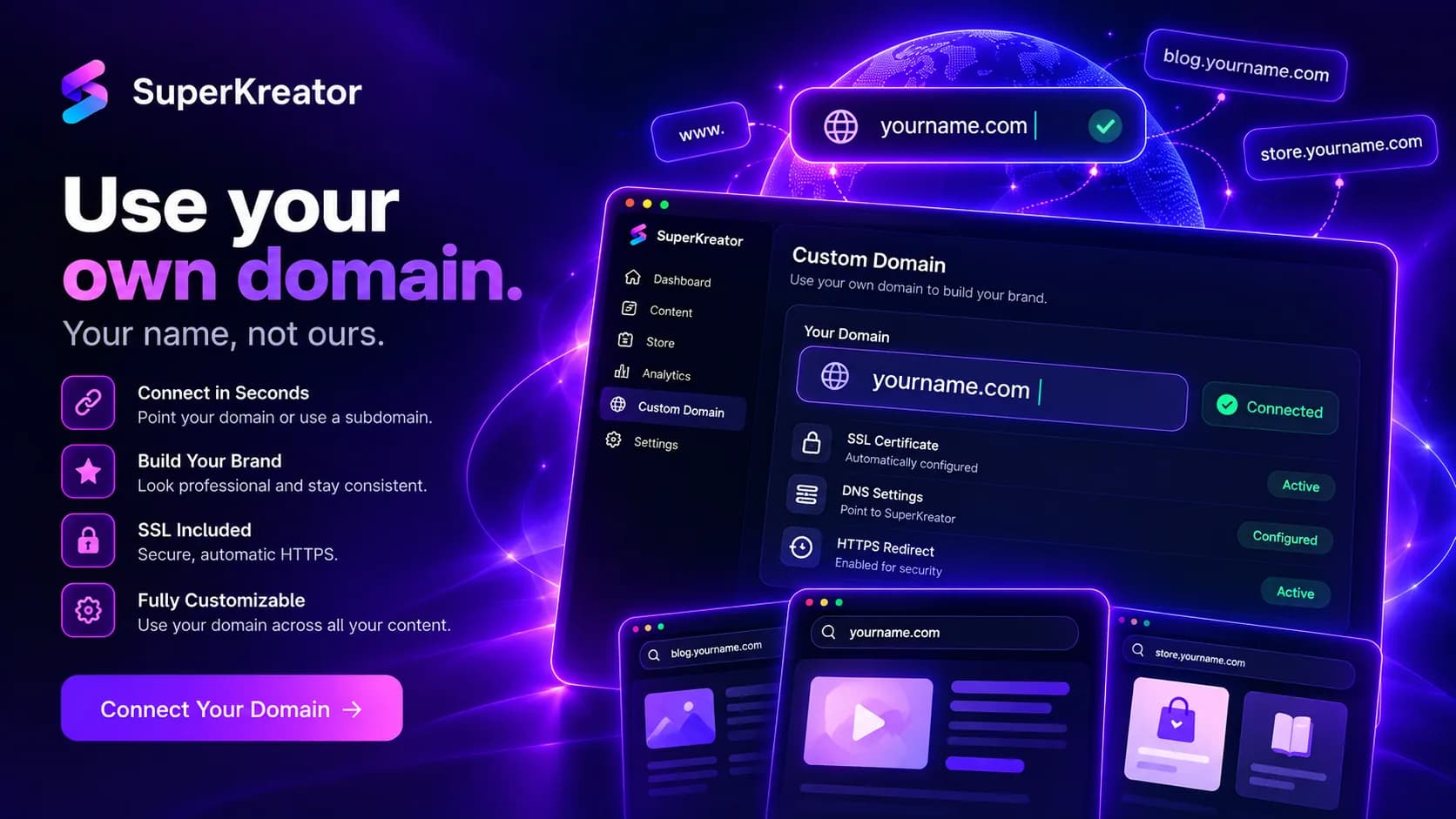
A custom domain lets people open your SuperKreator pages on a name you own, such as yourname.com, instead of a SuperKreator path. The link in bio and the store stay the same product. Only the address changes.
You can also attach a subdomain, such as store.yourname.com. DNS has to point at SuperKreator before visitors arrive and before SSL is active.
How custom domain setup works
In settings, add the domain you already own. SuperKreator shows the DNS records to create.
If the domain uses Cloudflare, you can approve those records in one click. Otherwise add the CNAMEs at the host where the domain is managed. SuperKreator checks about every 15 seconds. SSL turns on once each CNAME is live.
A subdomain is a second record, added the same way. Until the records answer, the status stays waiting on DNS and the public site remains on the SuperKreator address.
What a custom domain changes
The domain changes the URL you paste into Instagram and YouTube. It does not create a new website, and it does not remove the need for the bio page or the store behind it.
Removing the domain sends the site back to the SuperKreator address. Removing a subdomain only drops that host.
"Connect in seconds" is true only after the DNS host accepts the records. Propagation is often a few minutes. It is not instant on every registrar.
Why put your name on the link
The URL in a bio is part of the brand. yourname.com is easier to say on a video than a long platform path.
SSL is included once DNS is correct, so the browser shows a normal padlock without a separate certificate purchase.
The same domain can front the pages you already built. You are not redesigning the shop to change the address.
Custom domain compared with Linktree
Linktree sells a custom domain on paid plans. The job is the same: your name in front of a hosted link page.
SuperKreator asks you to point DNS, with a Cloudflare shortcut when that is your DNS host. The page behind the domain can be the link list or the UPI store, because both already live in the workspace.
If you only need a button list on a pretty domain, Linktree is enough. If the domain should open a rupee shop as well, keep the address and the store together.
Conclusion
Claim the username first, then add the domain you already own. Domain settings are in settings. New accounts start for free.
Frequently asked questions
Do I have to edit DNS?+
Yes. Add the CNAMEs at your domain host, or approve them in one click when the domain uses Cloudflare. SSL turns on after those records are live.
Can I use a subdomain?+
Yes. Add the subdomain in domain settings and point its CNAME at SuperKreator.
How long does a custom domain take?+
SuperKreator checks DNS about every 15 seconds. Many hosts update in a few minutes. Some registrars take longer.
What happens if I remove the domain?+
The site goes back to your SuperKreator address. The pages themselves stay.
SuperKreator
Bio, UPI store, and the rest of the workspace — free to start.
India-first ladder on the homepage: Creator ₹99/month (₹9 first month, highlighted), Free ₹0, Live ₹499/month (₹99 first month), Business custom. GST extra. Cashfree processor fees apply on sales. SuperKreator does not currently publish a platform seller-fee percentage.
Related
Articles
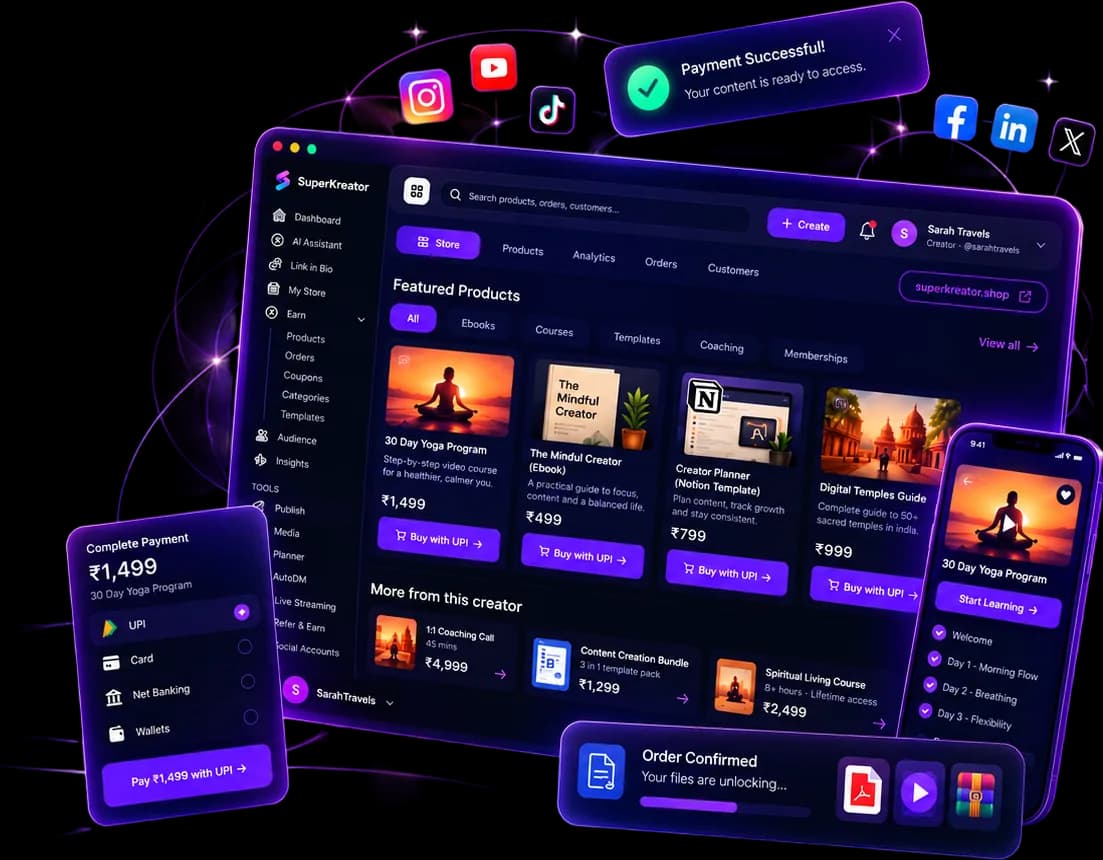
What you can run from one SuperKreator login
Eight products, one workspace. Start with the link. Add the shop, the DM, and the stream when that is where the sale happens.
Updated 2026-10-06 · 6 min
Articles
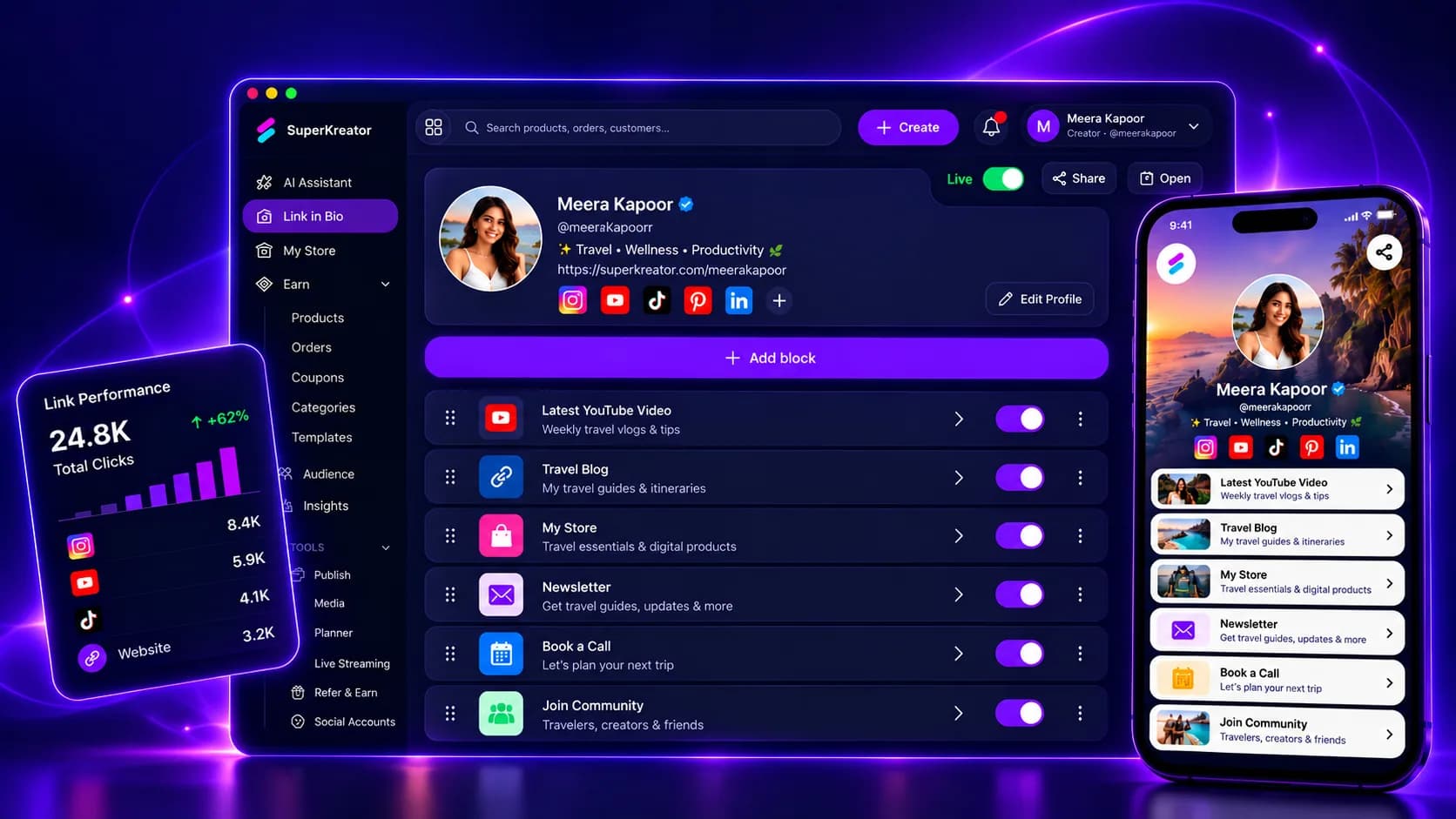
A link in bio that holds everything else
Put one URL in Instagram or YouTube. That page lists the links that do not fit in a single website field.
Updated 2026-10-06 · 6 min
Articles
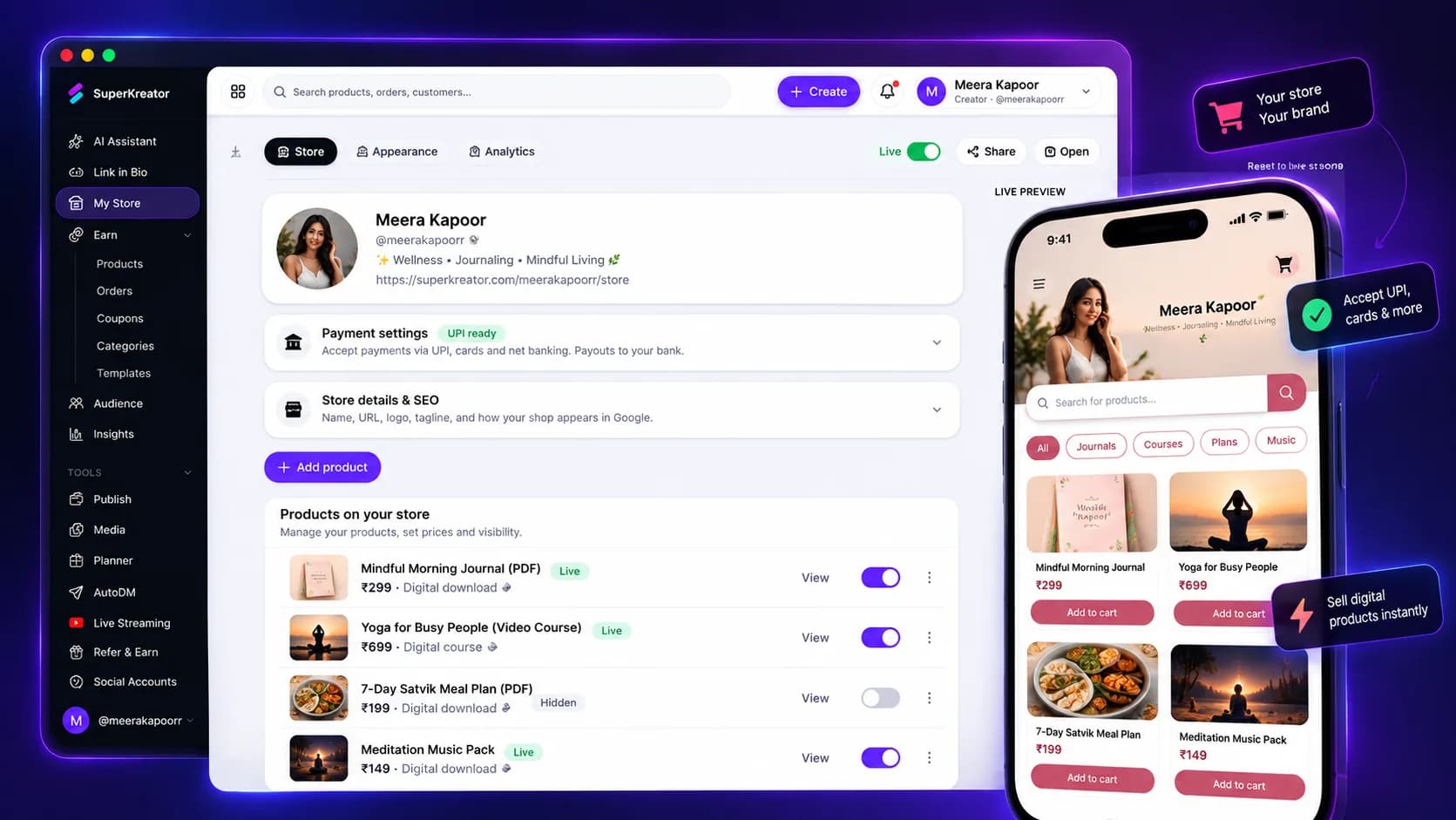
A store that gets paid the way India pays
The shop lives on your username, separate from the bio link. Price in INR and deliver the file after payment.
Updated 2026-10-06 · 6 min

Competitor guides
Linktree — How the default bio link works, what it costs, and when to leave it
Linktree is the default public page many creators put in an Instagram, TikTok, or YouTube bio so followers can reach more than one destination from a single URL.
Updated 2026-09-10 · 12 min